
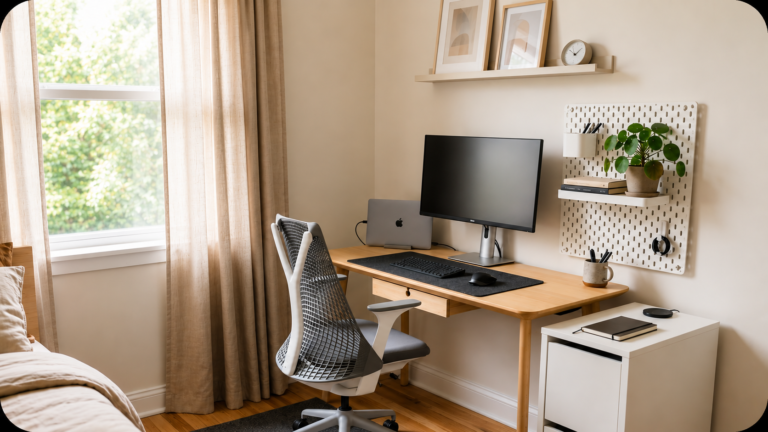
It’s 2:47 PM. You’ve been “at your desk” since 9, but somehow you’ve only answered eleven emails, your lower back feels like it’s been in a car accident, and you just realized you’ve been squinting at your laptop screen from across the kitchen table for the third hour straight.
Sound familiar?
1.Ergonomic Office Chair
Your chair is the single most important purchase in your home office, full stop. You’ll spend more hours in it than in your bed, and most people give it the least thought.
Why It Matters
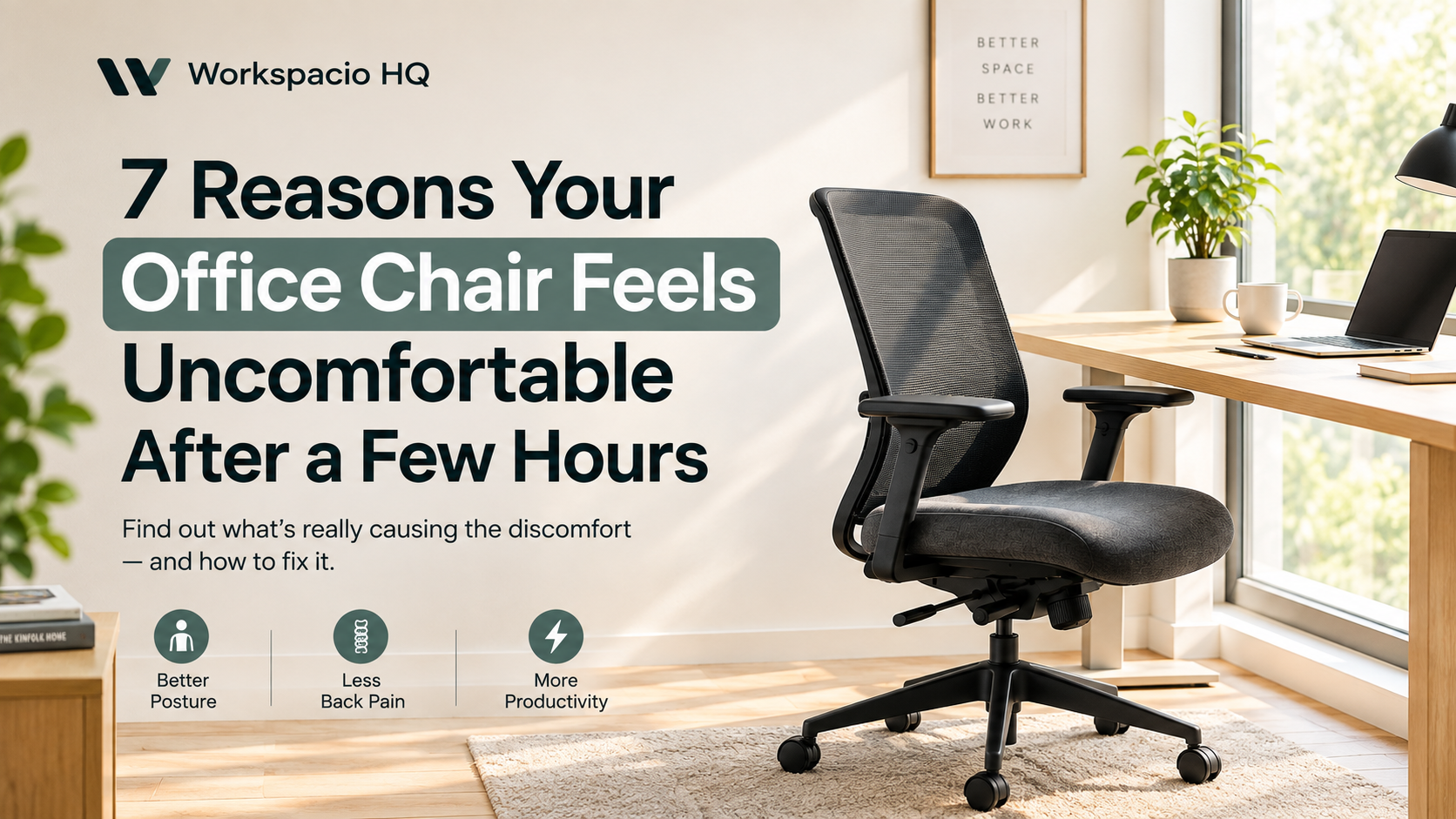
Poor seating posture is one of the leading contributors to chronic back and neck pain among remote workers. A supportive chair reduces the constant micro-fidgeting your body does to find comfort, which means fewer interruptions to your focus. Long-term sitting in non-ergonomic chairs has been linked to reduced circulation and increased fatigue by mid-afternoon.
What To Look For
Adjustable lumbar support that actually moves up and down, not just a fixed curve Seat depth and height adjustability so it fits your specific body, not an “average” one Breathable mesh or fabric backing if you tend to run warm during long sessions
Who Should Buy It
Anyone sitting more than four hours a day needs this. It’s especially non-negotiable if you already deal with back issues or you’re tall or petite and standard chairs never quite fit right.
Pro Tip
Sit in the chair for at least 15 minutes before deciding you like it. The “comfortable for the first 5 minutes” feeling fades fast — what matters is how it feels after an hour.
Recommended Pick
SIHOO M18 Ergonomic Chair
Why We Like It: Excellent lumber support, fully adjustable, breathable mesh, and great value for money.
Best for: Remote workers, long hours, back support
Buying Recommendation: This chair offers premium features at a mid-range price. A smart investment if you spend 4+ hours sitting every day.
View Latest Price on Amazon →2. Adjustable Desk
A desk that moves with you, whether that’s a sit-stand model or simply one with height adjustment, changes your relationship with your workday in a way that’s hard to appreciate until you’ve tried it.
Why It Matters
Alternating between sitting and standing throughout the day reduces stiffness and keeps blood flowing.
Standing periodically during long calls or reading tasks genuinely helps with energy levels in the afternoon slump.
A properly sized desk reduces awkward reaching, hunching, or wrist bending that builds up into real discomfort.
What To Look For
Electric height adjustment if your budget allows — manual cranks get skipped after week two
A weight capacity that comfortably covers your monitor, dual setups, and any equipment you add later
Stability at full height extension; cheap models wobble when you type standing up
Who Should Buy It
Anyone working full-time hours from home benefits here, but it’s especially worth it if you already feel stiff by early afternoon or you’ve got a habit of skipping movement breaks.
Pro Tip
Set a recurring reminder to switch positions every 60–90 minutes. The desk only helps if you actually use the adjustability — most people buy a standing desk and then never stand.
Recommended Pick
FEZIBO Electric Standing Desk
Why We Like It: Smooth electric height adjustment, programmable memory presets, sturdy construction, and excellent value for a modern home office.
Best for: Remote workers, students, and professionals who want the benefits of a standing desk without spending premium prices.
Buying Recommendation: If you’re buying your first standing desk, this is one of the easiest recommendations thanks to its balance of features, affordability, and wide availability on Amazon.
View Latest Price on Amazon →3. Desk Lamp
Lighting is the most underrated productivity factor in a home office. Bad lighting causes eye strain, headaches, and a kind of low-grade fatigue that’s easy to misattribute to “just being tired.”
Why It Matters
Harsh overhead lighting or screen glare forces your eyes to work harder all day, which adds up to real fatigue.
Warm, adjustable task lighting reduces contrast strain between your screen and your surroundings.
Good lighting on video calls also makes you look more present and professional, which matters more than people admit.
What To Look For
Adjustable color temperature (cooler light for focus, warmer for evening work)
A flexible arm or neck so you can angle light exactly where you need it
Flicker-free LED bulbs, since cheap ones can cause subtle eye strain over time
Who Should Buy It
If your home office doesn’t get much natural daylight, or you work evenings and nights, this is an easy upgrade with outsized impact.
Pro Tip
Position your lamp to the side of your monitor, not directly behind or in front of it. Light behind the screen creates glare; light in front washes out your face on calls.
Recommended Pick
Lepro LED Desk Lamp
Why We Like It:Adjustable brightness, five lighting modes, eye-caring illumination, and a sleek metal design that fits perfectly into any modern home office.
Best for: Remote workers, students, and professionals who spend long hours reading, writing, or working on a computer.
Buying Recommendation: If you want a reliable desk lamp that improves visibility without spending premium prices, the Lepro LED Desk Lamp offers excellent value for everyday productivity.
View Latest Price on Amazon →4. Monitor Arm
It’s a simple piece of hardware, but a monitor stand fixes one of the most common posture mistakes: looking down at your screen for hours on end.
Why It Matters
Raising your monitor to eye level prevents the forward neck tilt that causes “tech neck.”
It frees up desk space underneath for storage, a keyboard tray, or just breathing room.
Proper screen height reduces the temptation to hunch forward to see better.
What To Look For
Height adjustability that gets your eye line roughly level with the top third of the screen
A sturdy base that won’t wobble if you bump the desk
Compatibility with your monitor’s size and weight, especially for larger displays
Who Should Buy It
Anyone using a laptop or single monitor at desk height (which causes you to look down) should grab one of these. It’s one of the cheapest fixes for posture problems.
Pro Tip
If you don’t want to buy one, a stack of sturdy books works in a pinch. The principle matters more than the product — eye level is eye level.
Recommended Pick
HUANUO FlowLift Dual Monitor Arm
Why We Like It: Highly adjustable design, exceptional build quality, smooth movement, and excellent support for dual-monitor productivity setups.
Best for: Professionals, programmers, designers, and remote workers using two monitors.
Buying Recommendation: If you use dual monitors every day, a quality monitor arm improves ergonomics, frees up desk space, and creates a cleaner, more professional workspace.
View Latest Price on Amazon →5.Wirless Keyboard & Mouse Combo
If you’re working off a laptop keyboard all day, your wrists are paying for it. A proper external keyboard fixes typing posture and, frankly, just feels better to use.
Why It Matters
Laptop keyboards force your hands into an unnatural, cramped position for hours at a time.
A separate keyboard lets you position your laptop screen at the correct height without sacrificing typing comfort.
Mechanical or quality membrane keys reduce the finger fatigue that comes from shallow laptop key travel.
What To Look For
A layout that matches your workflow (full-size with numpad, or compact for desk space)
Comfortable key travel — try before you buy if you can, since this is personal preference
Wireless connectivity if cable clutter bothers you, though wired remains more reliable for typing-heavy work
Who Should Buy It
Writers, coders, data-entry professionals, and basically anyone who types for a living should treat this as essential, not optional.
Pro Tip
Pair it with a slight forward tilt rather than the default backward tilt most keyboards ship with. It keeps wrists straighter and reduces strain over long sessions.
Recommended Pick
Logitech MK295 Wireless Keyboard & Mouse Combo
Why We Like It: Quiet typing with SilentTouch technology, reliable wireless performance, full-size layout with a numeric keypad, and the added value of an included wireless mouse.
Best for: Remote workers, students, and professionals who want a comfortable, clutter-free workspace for everyday productivity.
Buying Recommendation: If you’re looking for an affordable, dependable keyboard for daily work, the Logitech MK295 delivers excellent value with a comfortable typing experience and the convenience of a matching wireless mouse.
View Latest Price on Amazon →6. Wireless Mouse
Small upgrade, surprisingly big impact. A good wireless mouse removes cable drag, gives you better control, and often just feels more comfortable in hand than a laptop trackpad.
Why It Matters
Trackpads require more precise finger movement, which adds up to hand fatigue during detailed work.
Wireless freedom means you’re not fighting cable tension while reaching across your desk.
Ergonomic mouse shapes reduce the wrist strain associated with repetitive clicking and scrolling.
What To Look For
An ergonomic shape suited to your hand size and grip style
Adjustable DPI if you do detailed design or editing work
Battery life and charging method — some go weeks on a charge, others need daily top-ups
Who Should Buy It
Designers, editors, and anyone doing detail-heavy clicking work will feel the difference immediately. Even casual users benefit from ditching the trackpad full-time.
Pro Tip
If you deal with wrist discomfort, try a vertical or trackball mouse. It feels strange for the first few days, but many people find it eliminates strain that a regular mouse never fixed.
Recommended Pick
Logitech MX Master 3S
Why We Like It: Exceptional comfort, precise tracking, and customizable controls that improve workflow efficiency.
Best for: Professionals, creatives, and multitaskers who use a mouse extensively.
Buying Recommendation: Expensive for a mouse, but easily one of the most loved productivity tools on the market.
View Latest Price on Amazon →7. Desk Organizer
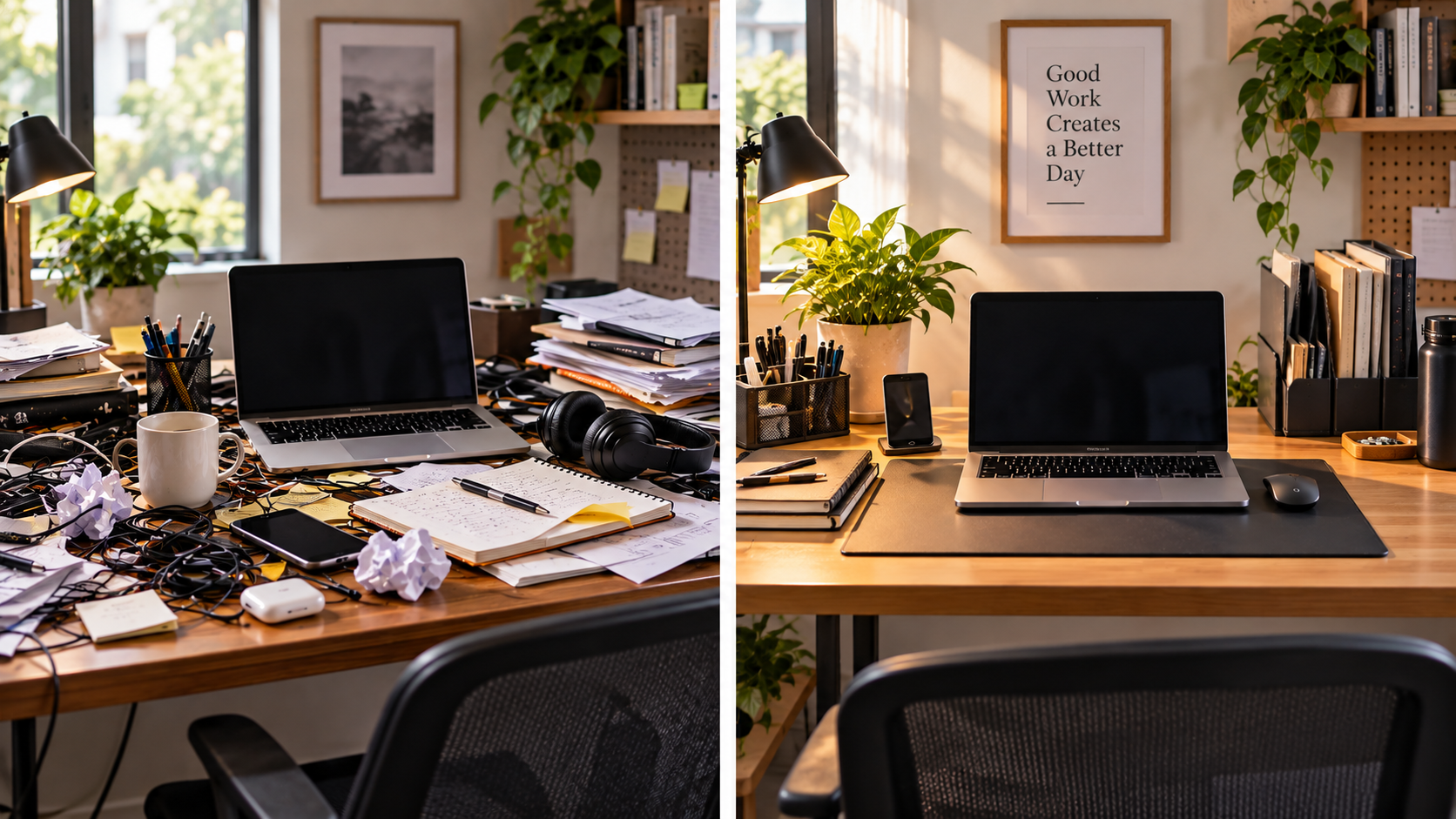
Clutter is a quiet productivity killer. Every time your eyes land on a messy pile of cables, papers, and random odds and ends, your brain registers it as unfinished business.
Why It Matters
A visually cluttered desk has been shown to compete for attention, making focus harder to sustain.
Having a designated spot for everything reduces the time wasted hunting for pens, notebooks, or chargers.
A tidy desk creates a psychological “reset” cue that helps you mentally separate work from downtime.
What To Look For
Modular compartments so you can adjust the layout to your actual tools, not someone else’s
A footprint that fits your desk size — oversized organizers just become new clutter
Materials that match your desk’s overall feel (wood, metal, or minimalist plastic)
Who Should Buy It
If your desk currently has more random objects on it than you can name from memory, this is for you.
Pro Tip
Do a 5-minute desk reset at the end of every workday. An organizer only works if you actually put things back — otherwise it’s just another surface for clutter.
Recommended Pick
Marbrasse Desk Organizer
Why We Like It: Multiple compartments help organize stationery, notes, and small accessories without taking up too much space.
Best for: Anyone struggling with desk clutter and daily distractions.
Buying Recommendation: Inexpensive, practical, and surprisingly effective at creating a cleaner workspace.
View Latest Price on Amazon →8. Cable Management Kit
Nobody talks about cables until they’re tripping over one or staring at a desk that looks like a server room exploded. A simple cable management kit solves this in about twenty minutes.
Why It Matters
Tangled cables create visual noise that subtly adds to mental clutter, even if you don’t consciously notice it.
Loose cables are a real trip hazard, especially in shared or multi-purpose rooms.
Organized cables make it dramatically easier to clean your desk or rearrange your setup later.
What To Look For
Under-desk trays to lift cables and power strips off the floor entirely
Adhesive clips or sleeves for routing cables along desk edges
A capacity that matches how much gear you actually run (monitor, charger, hub, lamp, etc.)
Who Should Buy It
Anyone with more than two cables running across their desk will notice the difference the same day they install it.
Pro Tip
Label both ends of each cable with a small piece of tape before you start organizing. It saves real frustration the next time you need to unplug just one specific thing.
Recommended Pick
N NOROCME 192 PCS Cable Management Kit
Why We Like It: Instead of just hiding cables, this kit helps organize your entire workspace with cable sleeves, clips, zip ties, and under-desk mounts. It instantly makes a desk look cleaner and more professional.
Best for: Remote workers, gamers, creators, and anyone who wants a clean, clutter-free workspace.
Buying Recommendation: If you’re investing in a home office, cable management is one of the cheapest upgrades with the biggest visual impact. This all-in-one kit includes everything most users need.
View Latest Price on Amazon →9. Noise-Cancelling Headphones
Whether it’s a noisy household, a roommate’s video calls, or just street noise outside your window, distractions are the enemy of deep work. Noise-cancelling headphones give you control over your own auditory environment.
Why It Matters
Background noise has been consistently linked to reduced concentration and slower task completion.
Active noise cancellation creates a consistent, distraction-free environment regardless of what’s happening around you.
Quality headphones also improve call clarity, which matters more than people expect for remote meetings.
What To Look For
Strong active noise cancellation (ANC) performance, not just passive sound dampening
Comfortable padding for multi-hour wear without ear fatigue
A reliable microphone if you’re using them for calls, not just listening
Who Should Buy It
If you work from a shared space, live with family or roommates, or simply get distracted by ambient noise, this is one of the highest-impact purchases on this list.
Pro Tip
Use a consistent “focus playlist” or white noise track with your headphones. Over time, your brain starts associating that specific sound with deep work, making it easier to drop into focus faster.
Recommended Pick
Sony WH-1000XM5
Why We Like It: Outstanding noise cancellation, premium comfort, and excellent microphone quality for calls.
Best for: Remote workers in noisy homes or shared workspaces.
Buying Recommendation: Expensive, but one of the most effective productivity purchases you can make.
View Latest Price on Amazon →10. Laptop Stand
If you work primarily from a laptop, a stand is the difference between hunching over a screen and actually sitting in a posture that doesn’t punish you by Friday.
Why It Matters
Raising your laptop to eye level reduces neck strain in the same way a monitor stand does.
Many stands improve airflow underneath the laptop, helping with thermal performance during demanding tasks.
It frees up desk space and often pairs naturally with an external keyboard and mouse setup.
What To Look For
Adjustable height and angle, since “eye level” varies depending on your chair and desk height
Sturdy, non-slip materials so it doesn’t shift while you type
Portability if you split time between a home office and coffee shops or coworking spaces
Who Should Buy It
Anyone using a laptop as their primary or only screen, especially if it’s currently sitting flat on the desk at typing height.
Pro Tip
Combine your laptop stand with an external keyboard and mouse. Using the stand alone without external input devices just means you’re now typing at an awkward upward angle instead of a downward one.
Recommended Pick
Rain Design mStand
Why We Like It: Durable aluminum construction and an ergonomic design that raises laptops to a healthier viewing height.
Best for: Laptop users who want to reduce neck strain and improve posture.
Buying Recommendation: Works best when paired with an external keyboard and mouse.
View Latest Price on Amazon →11. Whiteboard
In a world of digital everything, a whiteboard still earns its place. There’s something about physically writing and erasing that keeps your thinking looser and your daily priorities visible without opening another app.
Why It Matters
Visual thinking on a whiteboard engages different cognitive processes than typing, often helping with planning and brainstorming.
Having your daily or weekly priorities visibly displayed keeps you accountable without needing to check a digital list.
It’s a low-friction way to jot quick notes, sketches, or reminders without breaking your screen-based workflow.
What To Look For
Size appropriate to your wall or desk space — bigger isn’t always better in smaller offices
Magnetic surfaces if you want to pin notes or reference materials alongside your writing
Quality markers and erasers, since cheap ones smear and stain over time
Who Should Buy It
Planners, project managers, and anyone who thinks better with a pen in hand will get real use out of this. It’s also great for households needing a shared family or task board.
Pro Tip
Dedicate one corner permanently to your top three priorities for the day. Keeping it simple and consistent works better than trying to turn the whole board into a complex system you won’t maintain.
Recommended Pick
Quartet Magnetic Glass Whiteboard
Why We Like It: The glass surface stays clean without ghosting, while the magnetic design keeps notes and reminders organized. It adds both functionality and a premium look to any workspace.
Best for:Professionals, students, remote workers, and anyone who plans tasks or tracks goals visually.
Buying Recommendation: If you frequently plan projects, meetings, or weekly goals, a magnetic glass whiteboard is a worthwhile upgrade that keeps your workspace organized and distraction-free.
View Latest Price on Amazon →12. Desk Pad
A desk pad seems purely cosmetic until you actually use one — then you realize how much it improves the daily feel of your workspace.
Why It Matters
It protects your desk surface from scratches, spills, and the wear that comes from daily mouse and keyboard use.
A smooth, consistent surface improves mouse tracking accuracy compared to uneven or textured desks.
It visually defines your “work zone,” which has a small but real psychological effect on focus.
What To Look For
Size that comfortably fits your keyboard, mouse, and a bit of breathing room
Water-resistant materials, especially if coffee and desk work go hand in hand for you
A non-slip backing so it doesn’t shift around during use
Who Should Buy It
If your desk is a shared surface, a hand-me-down, or just something you want to keep looking decent, this is a small purchase with a noticeable payoff.
Pro Tip
Pick a neutral color rather than something trendy. You’ll be staring at it every day for years, and subtle tones age a lot better than bold patterns.
Recommended Pick
Aothia Faux Leather Desk Pad
Why We Like It: A large desk pad protects your desk, provides a smooth surface for your keyboard and mouse, and instantly gives your workspace a cleaner, more premium appearance.
Best for: Remote workers, students, professionals, and anyone who wants a more organized desk setup.
Buying Recommendation: This is one of the easiest and most affordable upgrades you can make. It protects your desk, improves mouse tracking, and gives your workspace a polished look.
View Latest Price on Amazon →13. Webcam
If your video calls are still running off a built-in laptop camera, you’re working with the worst angle and lighting your setup can offer. A dedicated webcam fixes both instantly.
Why It Matters
External webcams sit at a more natural eye-level angle compared to low laptop placement.
Better image quality and color accuracy make you look more professional on calls without any extra effort.
Many models include better built-in microphones, improving how you sound, not just how you look.
What To Look For
1080p as a baseline, with 4K as a nice-to-have if you do frequent professional video calls
Autofocus and reasonable low-light performance, since most home offices aren’t perfectly lit
A mounting option that works with your monitor or stand setup
Who Should Buy It
If you’re on video calls multiple times a week, especially client-facing ones, this is worth the investment. It’s also a meaningful upgrade for anyone doing content creation or recorded presentations.
Pro Tip
Position the webcam at eye level and slightly above your monitor’s center, not at the very top edge. It creates a more natural, direct-eye-contact feel on calls.
Recommended Pick
Logitech Brio 4K
Why We Like It: Sharp video quality, reliable autofocus, and excellent low-light performance.
Best for: Remote professionals, consultants, and content creators.
Buying Recommendation: Worth upgrading if video meetings are a regular part of your work.
View Latest Price on Amazon →14. USB Hub
As your setup grows, your laptop’s two or three ports fill up fast. A USB hub keeps everything connected without the daily plug-and-unplug shuffle.
Why It Matters
It eliminates the friction of swapping cables every time you need to connect a different device.
A good hub adds ports for monitors, external drives, and peripherals your laptop wasn’t built to handle alone.
Docking-style hubs let you connect and disconnect your entire setup with a single cable.
What To Look For
Port variety matching your actual devices (USB-C, USB-A, HDMI, SD card slots, etc.)
Data transfer speeds appropriate for your work, especially if you move large files often
Power delivery support if you want it to charge your laptop while connected
Who Should Buy It
Anyone running a multi-monitor setup, external drives, or several peripherals at once will appreciate not crawling under the desk to swap cables daily.
Pro Tip
Get a hub with more ports than you currently need. You will add more devices over time, and buying a second hub later is more annoying than just sizing up now.
Recommended Pick
UGREEN Revodok Pro 6-in-1 USB-C Hub
Why We Like It: It expands a single USB-C port into multiple high-speed connections, including HDMI, USB ports, and Power Delivery charging. The aluminum design also looks premium on any modern desk.
Best for: Laptop users, MacBook owners, remote workers, creators, and professionals who need more ports without clutter.
Buying Recommendation: If your laptop has limited ports, this hub is one of the most practical upgrades. It supports fast data transfer, external displays, and charging through a single compact device.
View Latest Price on Amazon →15. Indoor Plant
It’s easy to dismiss a plant as decoration, but there’s real substance behind why so many productive workspaces include greenery.
Why It Matters
Greenery in workspaces has been associated with improved mood and reduced perceived stress.
Caring for a plant creates small, low-stakes breaks throughout the week that pull your eyes away from screens.
A bit of natural color softens the otherwise sterile feel of cables, monitors, and desk hardware.
What To Look For
Low-maintenance varieties (pothos, snake plant, ZZ plant) if you’re not naturally great with plant care
A pot size appropriate for your desk space, leaving room for your actual work tools
Light requirements that match your office’s actual sunlight, not just what looks nice in photos
Who Should Buy It
Honestly, almost everyone. Even confirmed plant-killers tend to succeed with the truly low-maintenance varieties, and the payoff is disproportionate to the effort.
Pro Tip
Place it within your direct line of sight, not just somewhere in the room. The benefit comes from regularly seeing it, not from it simply existing on a shelf behind you.
Recommended Pick
Nearly Natural 4ft Golden Cane Palm
Why We Like It: Premium look, zero maintenance, realistic foliage, instantly makes a home office feel more professional.
Best for: Anyone who wants to upgrade the look and feel of a home office with minimal effort.
Buying Recommendation: If you already have your core workspace essentials, this artificial palm is a worthwhile upgrade. It adds a premium, professional look with zero maintenance and is an easy way to elevate any home office.
View Latest Price on Amazon →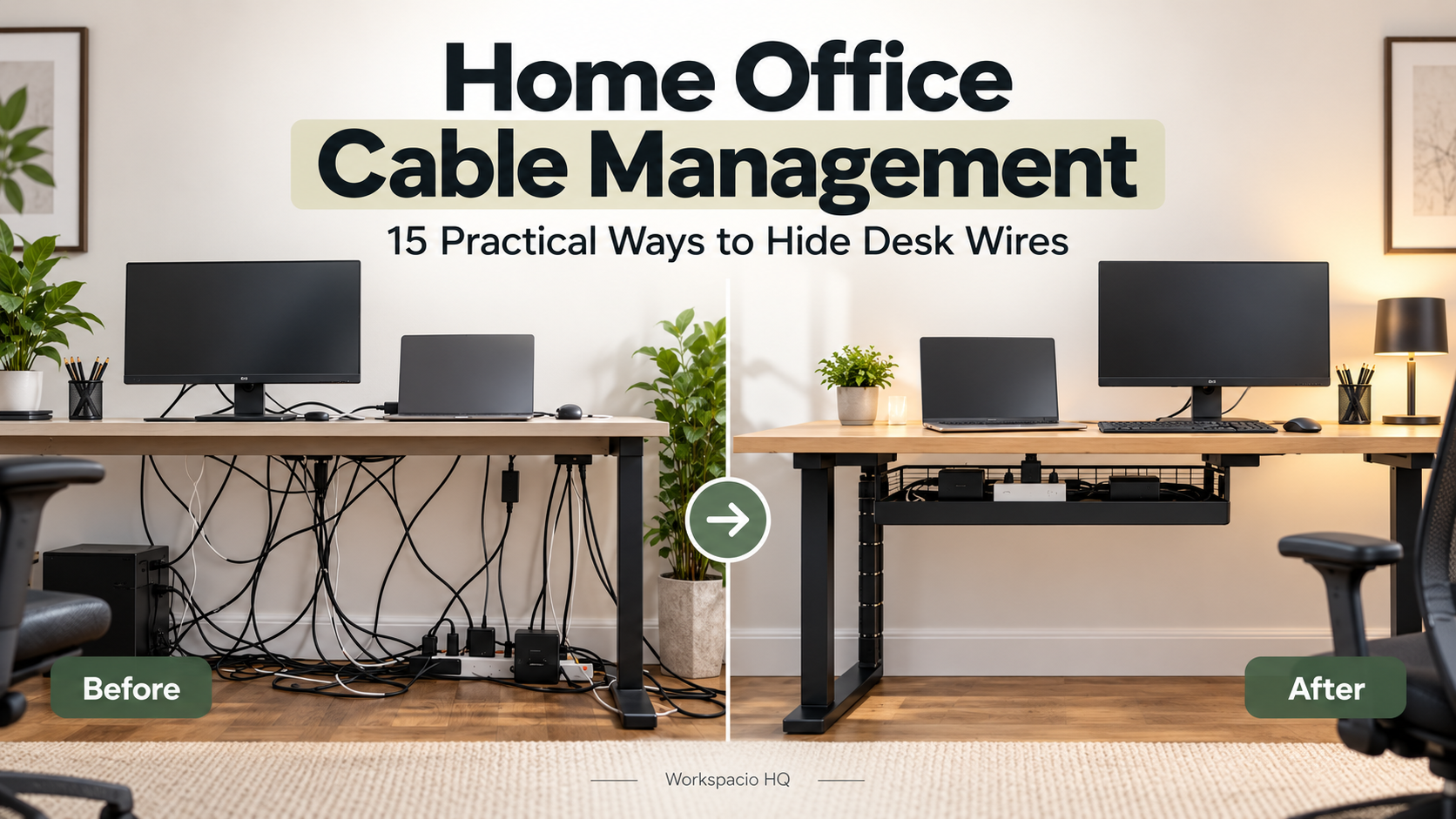
1 thought on “15 Home Office Essentials for Maximum Productivity”